Reelshot
BundlApps
Lightweight screen recorder, region-aware
Screenshots
Included in your subscription
Get Reelshot and 78+ other apps for $9.99/month.
About this app
Reelshot is a focused screen recorder for the daily 'show me what you mean' moment. Pick a source — drag a region, click a window, or record a full display — toggle on microphone, system audio, or a webcam overlay (floating circle, bottom-right), and hit record. Output goes direct to MP4 with H.264 (broadest compatibility) or WebM with VP9 (smaller files). Cursor visibility with click highlights is on by default; FPS up to 60 is supported. Recordings stack in a Recents list with duration and size. No subscription, no watermark, no time limit.
Key features
- Source modes: region drag, window pick, or whole display
- Microphone + system audio + webcam overlay (any combination)
- MP4 (H.264) or WebM (VP9) output
- Native or downscaled (1080p, 720p) resolution
- 30 or 60 FPS
- Cursor visibility with click pulse highlights
- Recents list with duration, size, and quick reveal
- No watermark, no time limit, no subscription
Ratings & reviews
Reelshot is exactly what I was looking for. Lightweight, fast, and does the job without unnecessary bloat. Highly recommend.
Been using Reelshot daily for a few weeks now. The interface is clean and intuitive. Great addition to the BundlApps catalog.
Switched to Reelshot from a paid alternative and honestly prefer it. Runs locally, no account needed, just works.
What's new
Bug fixes and performance improvements.
Additional information
How to get Reelshot
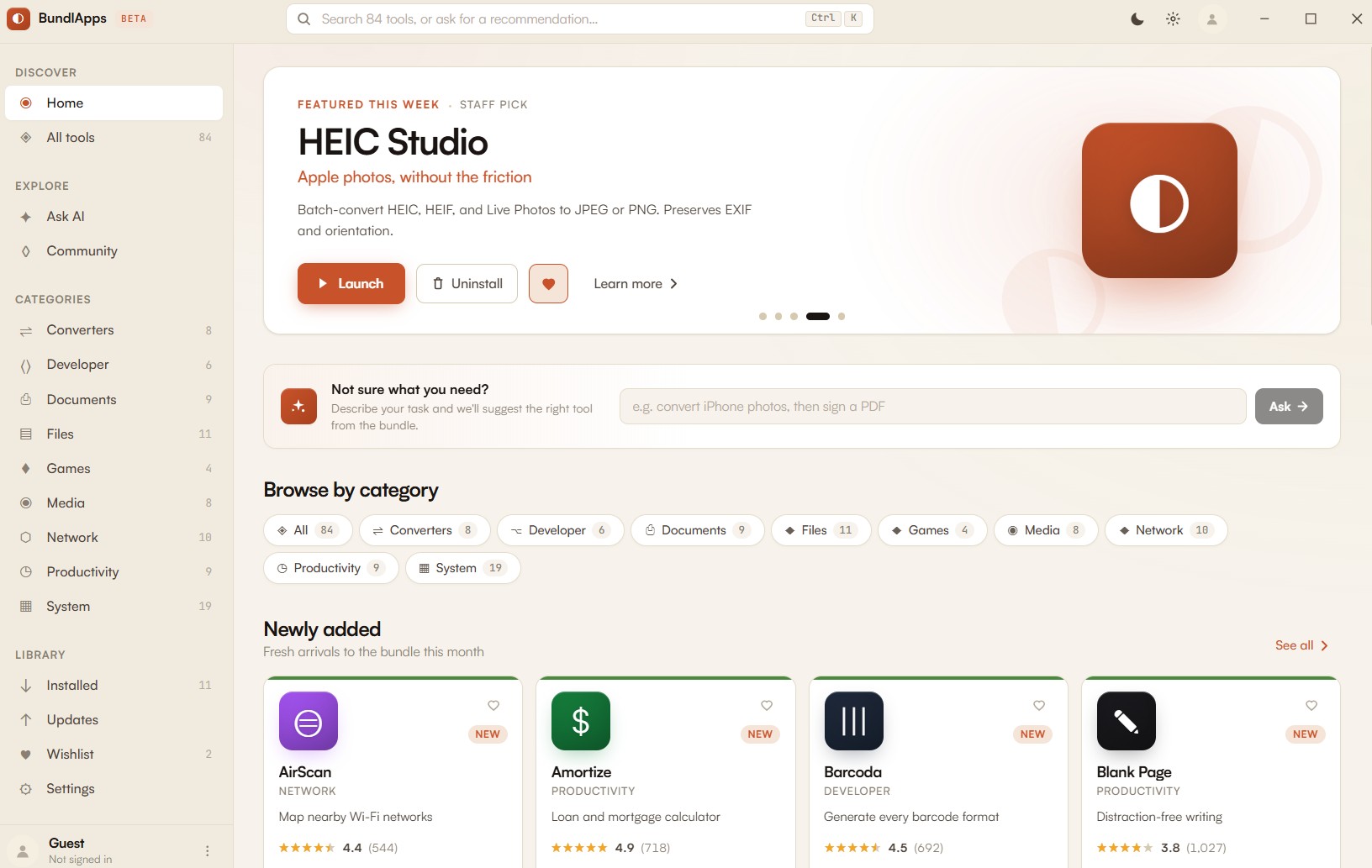
Install BundlApps
Download the free installer for Windows. Takes under a minute.
Find Reelshot
Search the catalog or browse Media apps. Click to install instantly.
Start using it
Runs locally, no account needed inside the app. Your files stay on your machine.