Backdrop
BundlApps
One-click background removal, fully local
Screenshots
Included in your subscription
Get Backdrop and 78+ other apps for $9.99/month.
About this app
Backdrop runs a bundled image-segmentation model entirely on your machine — no upload step, no monthly quota, no watermark, no account. Drop a photo and the subject mask appears in under a second on most hardware. Drag the split slider to compare original and cutout side-by-side. The edge-refine brush handles the cases the model misses (a strand of hair, a translucent edge) without forcing you into a full alpha-mask editor. Batch tab processes an entire folder in one pass. Export PNG with transparency, or composite the subject straight onto a solid color, gradient, or another image you supply.
Key features
- 100% local — no uploads, no quota, no watermark
- Drag-split before/after preview
- Edge-refine brush — erase or restore mask regions
- Batch a folder in one pass
- Export PNG with transparency
- Or composite onto solid color, gradient, or custom image
- Drop in JPG, PNG, HEIC, or WebP
Ratings & reviews
Backdrop is exactly what I was looking for. Lightweight, fast, and does the job without unnecessary bloat. Highly recommend.
Been using Backdrop daily for a few weeks now. The interface is clean and intuitive. Great addition to the BundlApps catalog.
Switched to Backdrop from a paid alternative and honestly prefer it. Runs locally, no account needed, just works.
What's new
Bug fixes and performance improvements.
Additional information
How to get Backdrop
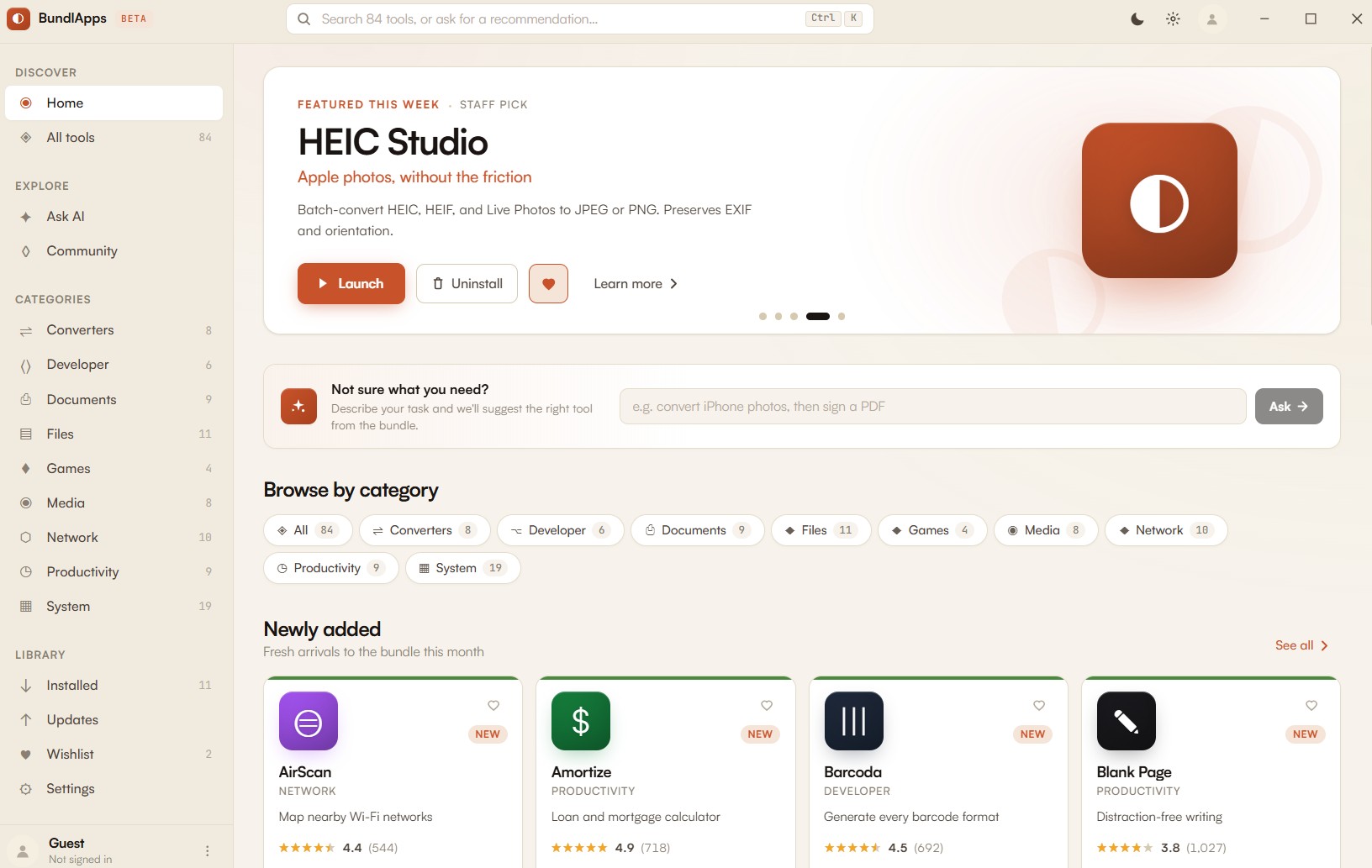
Install BundlApps
Download the free installer for Windows. Takes under a minute.
Find Backdrop
Search the catalog or browse Media apps. Click to install instantly.
Start using it
Runs locally, no account needed inside the app. Your files stay on your machine.