Prism Picker
BundlApps
A color picker with taste
Screenshots
Included in your subscription
Get Prism Picker and 78+ other apps for $9.99/month.
About this app
Prism Picker is everything you want from a desktop color tool and nothing else. Pick any pixel on screen, read its value in the format you actually ship — HEX, RGB, HSL, OKLCH — and copy any of them with a single button. The hero swatch shows the current color full-bleed; HSL sliders adjust live with gradient-tinted tracks. The right rail keeps a persistent palette, your last 32 picks in a history strip, WCAG AA/AAA contrast checks against both white and black, and harmony swatches (complement, analogous, triadic, tetradic) computed from the current hue.
Key features
- Pixel-accurate screen eyedropper via the EyeDropper API
- HEX, RGB, HSL, OKLCH output — one-click copy each
- Live HSL sliders with gradient-tinted tracks
- Persistent palette — drop in any pick, drag to remove
- History strip — last 32 picks, click to restore
- WCAG AA / AAA contrast badges against white and black
- Harmony generator — complement, analogous, triadic, tetradic
- Nearest-named-color label for every pick
Ratings & reviews
Prism Picker is exactly what I was looking for. Lightweight, fast, and does the job without unnecessary bloat. Highly recommend.
Been using Prism Picker daily for a few weeks now. The interface is clean and intuitive. Great addition to the BundlApps catalog.
Switched to Prism Picker from a paid alternative and honestly prefer it. Runs locally, no account needed, just works.
What's new
Bug fixes and performance improvements.
Additional information
How to get Prism Picker
Install BundlApps
Download the free installer for Windows. Takes under a minute.
Find Prism Picker
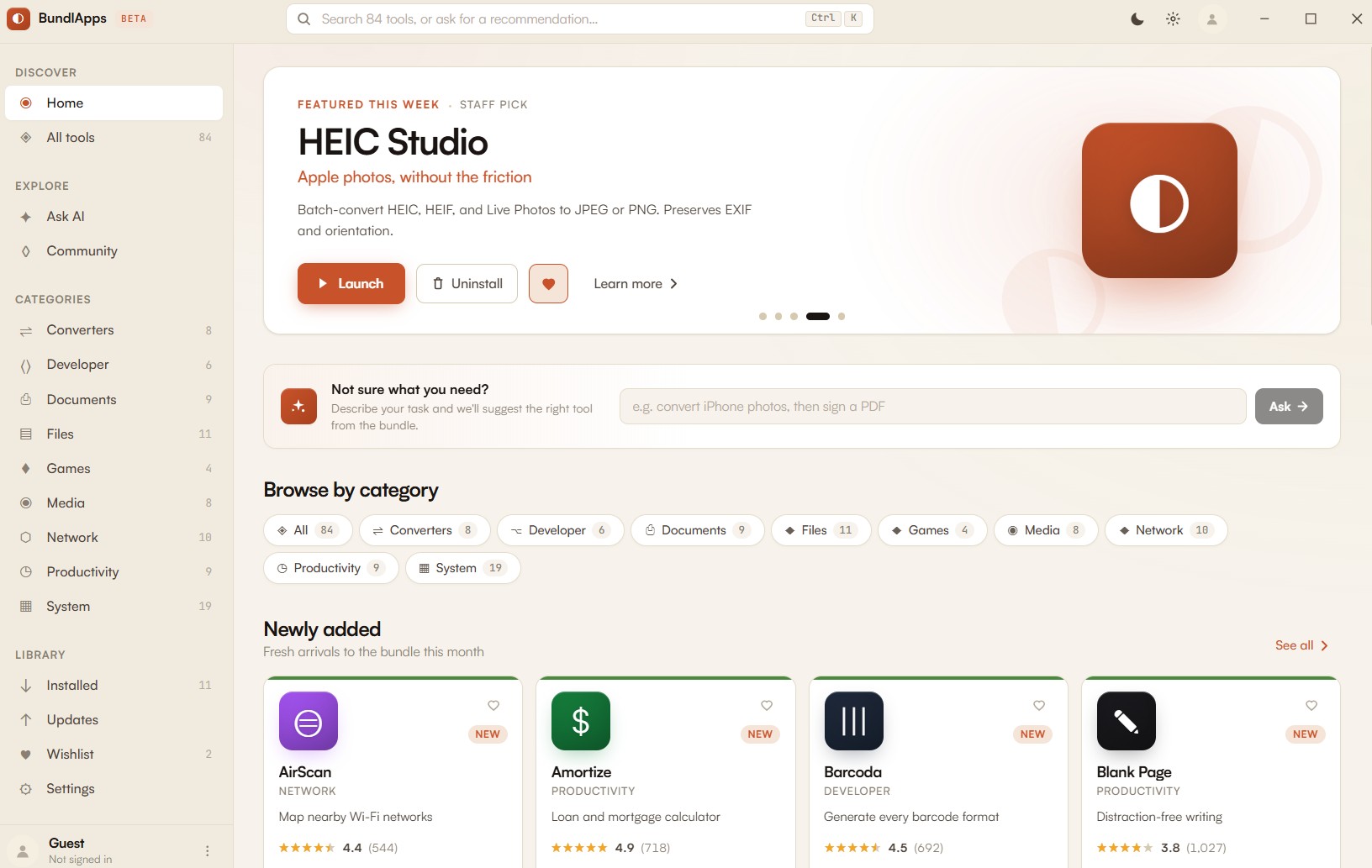
Search the catalog or browse Media apps. Click to install instantly.
Start using it
Runs locally, no account needed inside the app. Your files stay on your machine.