Pixel Shuttle
BundlApps
A darkroom for pixels
Screenshots
Included in your subscription
Get Pixel Shuttle and 78+ other apps for $9.99/month.
About this app
Pixel Shuttle is a focused image-format converter with the codec breadth of a photo studio and the pacing of a utility. It decodes eleven formats — including the ones most tools quietly skip, like HEIC from iPhones, JPEG XL, and multi-page TIFFs — and encodes to seven. The side-by-side before/after preview isn't a gimmick: it renders the actual re-encoded bytes so you can judge quality at the size you'll ship. Batch mode writes to a folder you pick once; single-file mode opens a save dialog. Resize by longest edge, by width, by height, or by percentage. Strip EXIF and GPS in the same pass. Everything runs locally through bundled WebAssembly codecs; nothing touches the network.
Key features
- Eleven input formats — PNG, JPEG, WebP, AVIF, JXL, HEIC, TIFF, GIF, BMP, SVG, ICO
- Seven output formats — PNG, JPEG, WebP, AVIF, JXL, TIFF, BMP
- Side-by-side before/after preview with live file-size delta percentage
- Batch mode — one output folder, progress tracked per file
- Resize by longest edge, width, height, or percentage in the same pass
- Strip EXIF, GPS, and other metadata on export
- Drag-and-drop, file picker, or launch directly from Windows Explorer
Ratings & reviews
Pixel Shuttle is exactly what I was looking for. Lightweight, fast, and does the job without unnecessary bloat. Highly recommend.
Been using Pixel Shuttle daily for a few weeks now. The interface is clean and intuitive. Great addition to the BundlApps catalog.
Switched to Pixel Shuttle from a paid alternative and honestly prefer it. Runs locally, no account needed, just works.
What's new
Bug fixes and performance improvements.
Additional information
How to get Pixel Shuttle
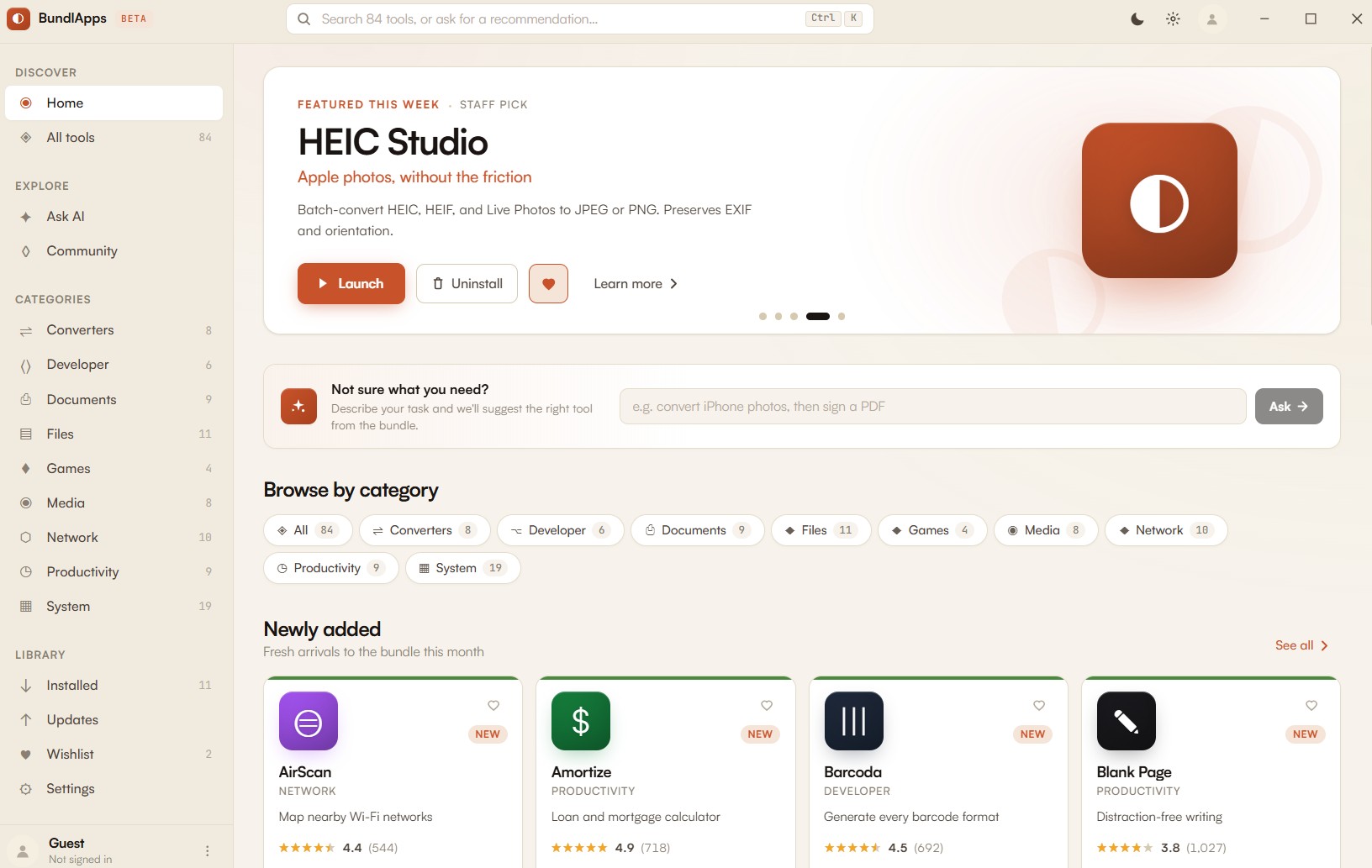
Install BundlApps
Download the free installer for Windows. Takes under a minute.
Find Pixel Shuttle
Search the catalog or browse Converters apps. Click to install instantly.
Start using it
Runs locally, no account needed inside the app. Your files stay on your machine.