Gifsmith
BundlApps
Hand-tuned video to GIF
Screenshots
Included in your subscription
Get Gifsmith and 78+ other apps for $9.99/month.
About this app
GIF is a thirty-year-old format that most converters treat like a commodity — and the result is always a 14 MB file nobody wants to share. Gifsmith treats GIF export like a craft: you pick exactly the segment you want on a visual timeline, crop to the region that matters, pick a target resolution and frame rate, then run a two-pass palette optimization that pulls the best 256 colors for that specific clip instead of a generic web palette. The result is a file that's often a fraction of what a naive converter produces, and looks noticeably cleaner. Bounce-loop mode, reverse, speed ramps, and a live dithering preview round out the options.
Key features
- Visual timeline for precise in/out trim, down to the frame
- Two-pass palette optimization — 256 colors picked from the actual clip
- Bounce-loop mode for clips that look awkward looping forward
- Adjustable resolution, frame rate, and dithering strategy
- Crop to any aspect ratio before export
- Side-by-side preview of palette choices before encoding
- Batch mode for turning multiple clips into GIFs in one run
Ratings & reviews
Gifsmith is exactly what I was looking for. Lightweight, fast, and does the job without unnecessary bloat. Highly recommend.
Been using Gifsmith daily for a few weeks now. The interface is clean and intuitive. Great addition to the BundlApps catalog.
Switched to Gifsmith from a paid alternative and honestly prefer it. Runs locally, no account needed, just works.
What's new
Bug fixes and performance improvements.
Additional information
How to get Gifsmith
Install BundlApps
Download the free installer for Windows. Takes under a minute.
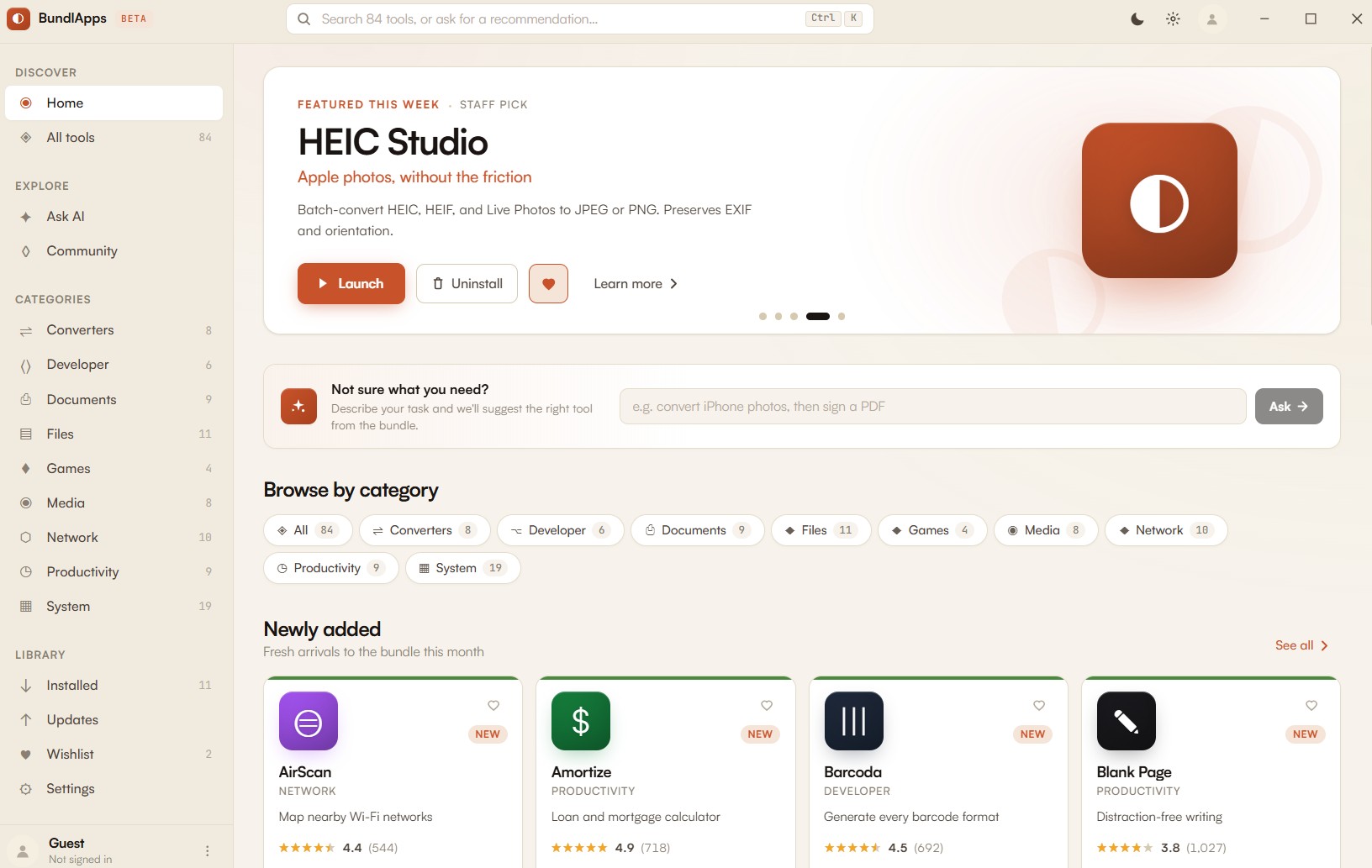
Find Gifsmith
Search the catalog or browse Converters apps. Click to install instantly.
Start using it
Runs locally, no account needed inside the app. Your files stay on your machine.