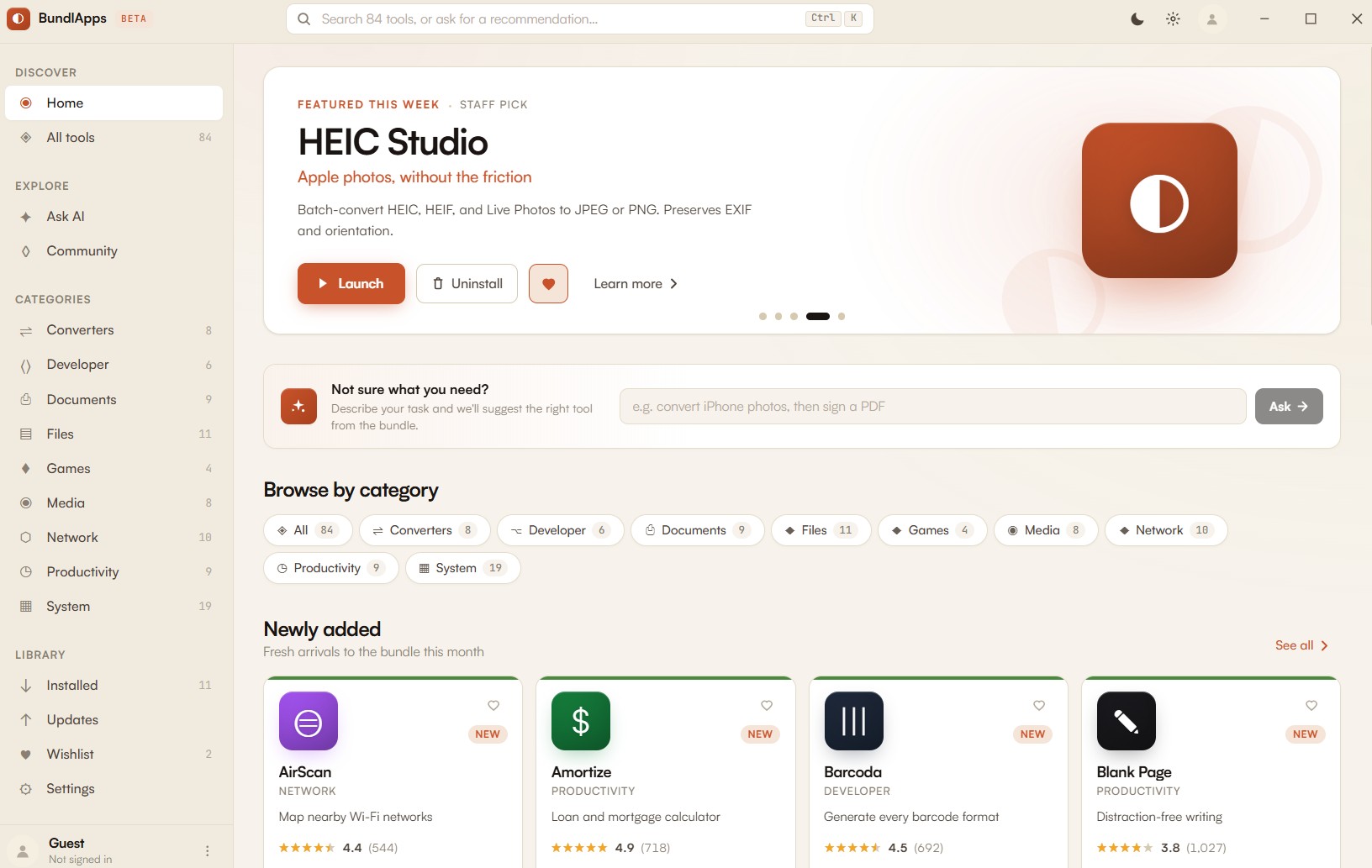
HEIC Studio
BundlApps
Apple photos, without the friction
Screenshots
Included in your subscription
Get HEIC Studio and 78+ other apps for $9.99/month.
About this app
HEIC Studio is a focused batch converter for the image formats Apple devices insist on. Point it at a folder, pick an output format, and walk away — EXIF metadata, capture orientation, GPS coordinates, and color profiles are preserved without asking. Live Photos are split into their still frame and motion video automatically, and multi-image HEIC sequences expand into individual numbered files. Outputs range from fast JPEG at chosen quality to lossless PNG to modern AVIF for archival sizes. Everything runs locally through a bundled libheif sidecar — nothing is uploaded, logged, or analyzed.
Key features
- Drag-and-drop batch conversion of HEIC, HEIF, and Live Photos
- Preserves EXIF, GPS, capture orientation, and embedded color profile
- Outputs to JPEG, PNG, WebP, or AVIF at any quality
- Splits Live Photos into still + motion components automatically
- Expands multi-image HEIC sequences into numbered individual files
- Bundled libheif — no Apple software or additional codecs required
- Fully offline — no cloud, no telemetry, no account
Ratings & reviews
HEIC Studio is exactly what I was looking for. Lightweight, fast, and does the job without unnecessary bloat. Highly recommend.
Been using HEIC Studio daily for a few weeks now. The interface is clean and intuitive. Great addition to the BundlApps catalog.
Switched to HEIC Studio from a paid alternative and honestly prefer it. Runs locally, no account needed, just works.
What's new
Bug fixes and performance improvements.
Additional information
How to get HEIC Studio
Install BundlApps
Download the free installer for Windows. Takes under a minute.
Find HEIC Studio
Search the catalog or browse Converters apps. Click to install instantly.
Start using it
Runs locally, no account needed inside the app. Your files stay on your machine.