Clipshift
BundlApps
Two-way WebM conversion that respects alpha
Screenshots
Included in your subscription
Get Clipshift and 78+ other apps for $9.99/month.
About this app
Clipshift is a focused two-way converter for WebM — the web video format that most desktop tools either mangle or refuse to encode with transparency. Point it at a folder of MP4, MOV, MKV, or AVI files and it builds cleanly-encoded WebMs in VP9 (the sweet spot) or AV1 (for archival sizes), preserving alpha channels along the way. Going the other direction is just as simple: WebM in, MP4 or ProRes out. The quality presets range from 'draft — just get something on disk' up to 'lossless — don't touch my pixels.' FFmpeg does the heavy lifting; Clipshift's UI keeps the ten knobs that actually matter visible and the rest hidden.
Key features
- Two-way WebM conversion — WebM in, WebM out, or both in a single queue
- VP8, VP9, and AV1 codec selection with sensible defaults
- Preserves alpha channels on both encode and decode
- Quality presets from draft through lossless, plus a custom CRF slider
- True batch mode with per-file progress and one-click cancel
- Trim, resize, and re-wrap without re-encoding when possible
- Runs entirely on-device via bundled FFmpeg — no uploads
Ratings & reviews
Clipshift is exactly what I was looking for. Lightweight, fast, and does the job without unnecessary bloat. Highly recommend.
Been using Clipshift daily for a few weeks now. The interface is clean and intuitive. Great addition to the BundlApps catalog.
Switched to Clipshift from a paid alternative and honestly prefer it. Runs locally, no account needed, just works.
What's new
Bug fixes and performance improvements.
Additional information
How to get Clipshift
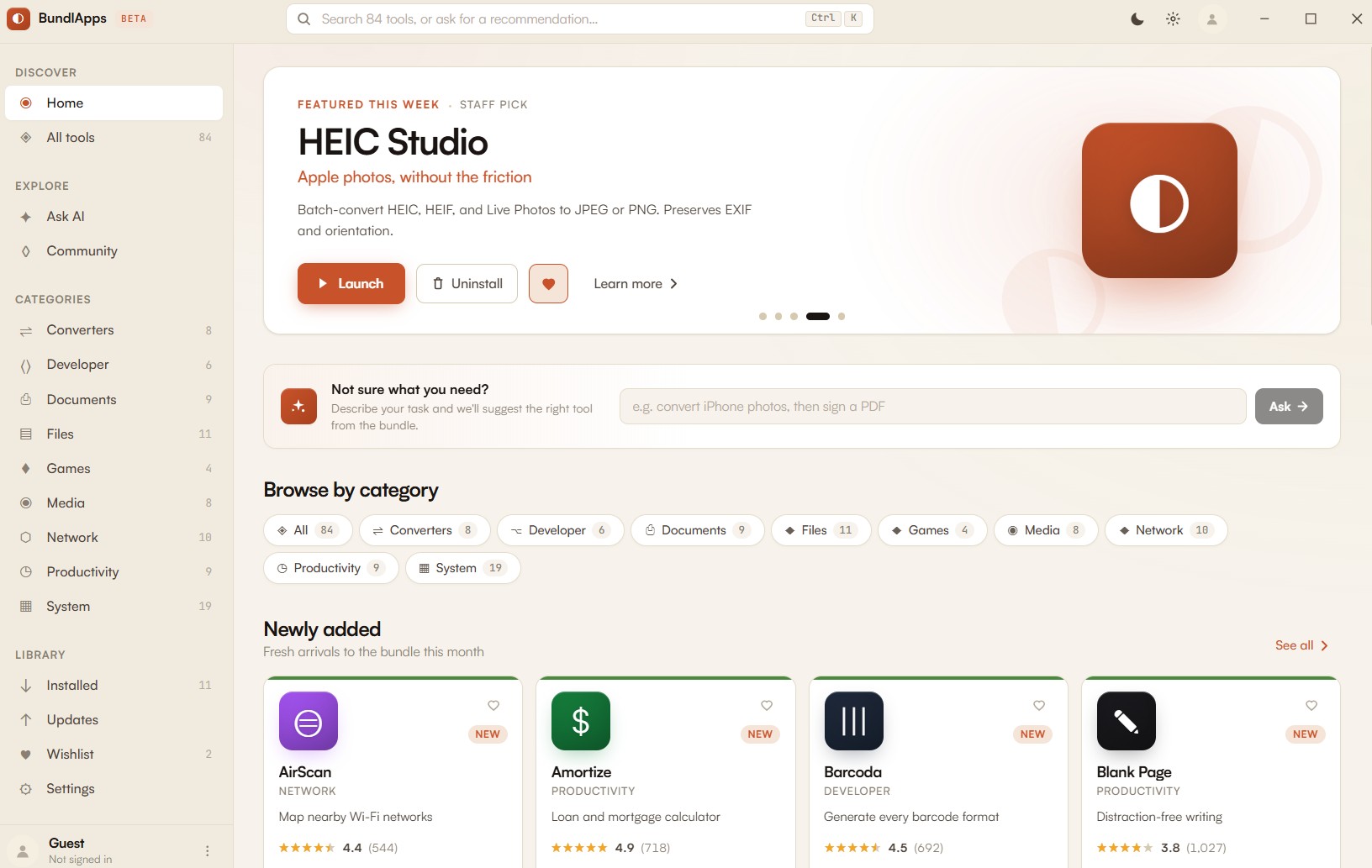
Install BundlApps
Download the free installer for Windows. Takes under a minute.
Find Clipshift
Search the catalog or browse Converters apps. Click to install instantly.
Start using it
Runs locally, no account needed inside the app. Your files stay on your machine.