Iconmint
BundlApps
Any image → Windows .ico
Screenshots
Included in your subscription
Get Iconmint and 78+ other apps for $9.99/month.
About this app
Iconmint is the utility that finally makes creating a proper Windows .ico file trivial. Drop in a source image in any common format — even a 4K HEIC photo from your phone — pick which sizes you need (13 to choose from, 16×16 through 256×256), and Iconmint resizes, encodes, and packs everything into a single .ico file that Windows Explorer, taskbar, shortcut dialogs, and file-association editors all understand. Cover, contain, and stretch fit modes let you control how non-square source art lands in the square icon canvas. The preview renders the biggest selected size at true resolution so you can spot alpha-channel issues before exporting.
Key features
- Decode any common image format (PNG, JPEG, WebP, AVIF, JXL, HEIC, TIFF, SVG, GIF, BMP)
- 13 selectable icon sizes, from 16×16 up to 256×256
- One-click presets for 'Standard', 'All', or 'None'
- Cover, contain, or stretch fit modes for non-square source art
- Merges every selected size into one .ico file Windows actually reads
- Live pixel-perfect preview of the rendered icon
- Drag-drop, file picker, or --file launch from Explorer
Ratings & reviews
Iconmint is exactly what I was looking for. Lightweight, fast, and does the job without unnecessary bloat. Highly recommend.
Been using Iconmint daily for a few weeks now. The interface is clean and intuitive. Great addition to the BundlApps catalog.
Switched to Iconmint from a paid alternative and honestly prefer it. Runs locally, no account needed, just works.
What's new
Bug fixes and performance improvements.
Additional information
How to get Iconmint
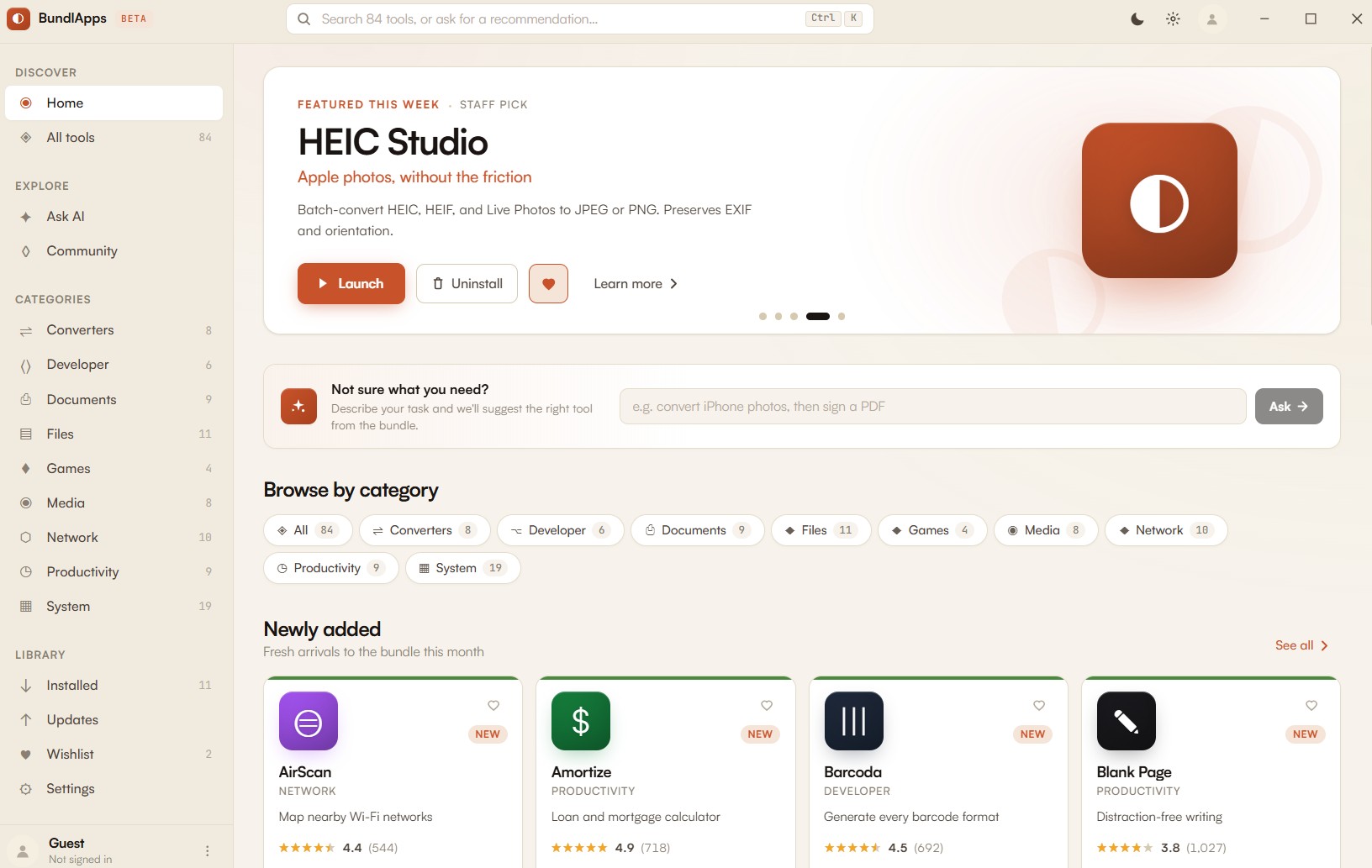
Install BundlApps
Download the free installer for Windows. Takes under a minute.
Find Iconmint
Search the catalog or browse Converters apps. Click to install instantly.
Start using it
Runs locally, no account needed inside the app. Your files stay on your machine.